
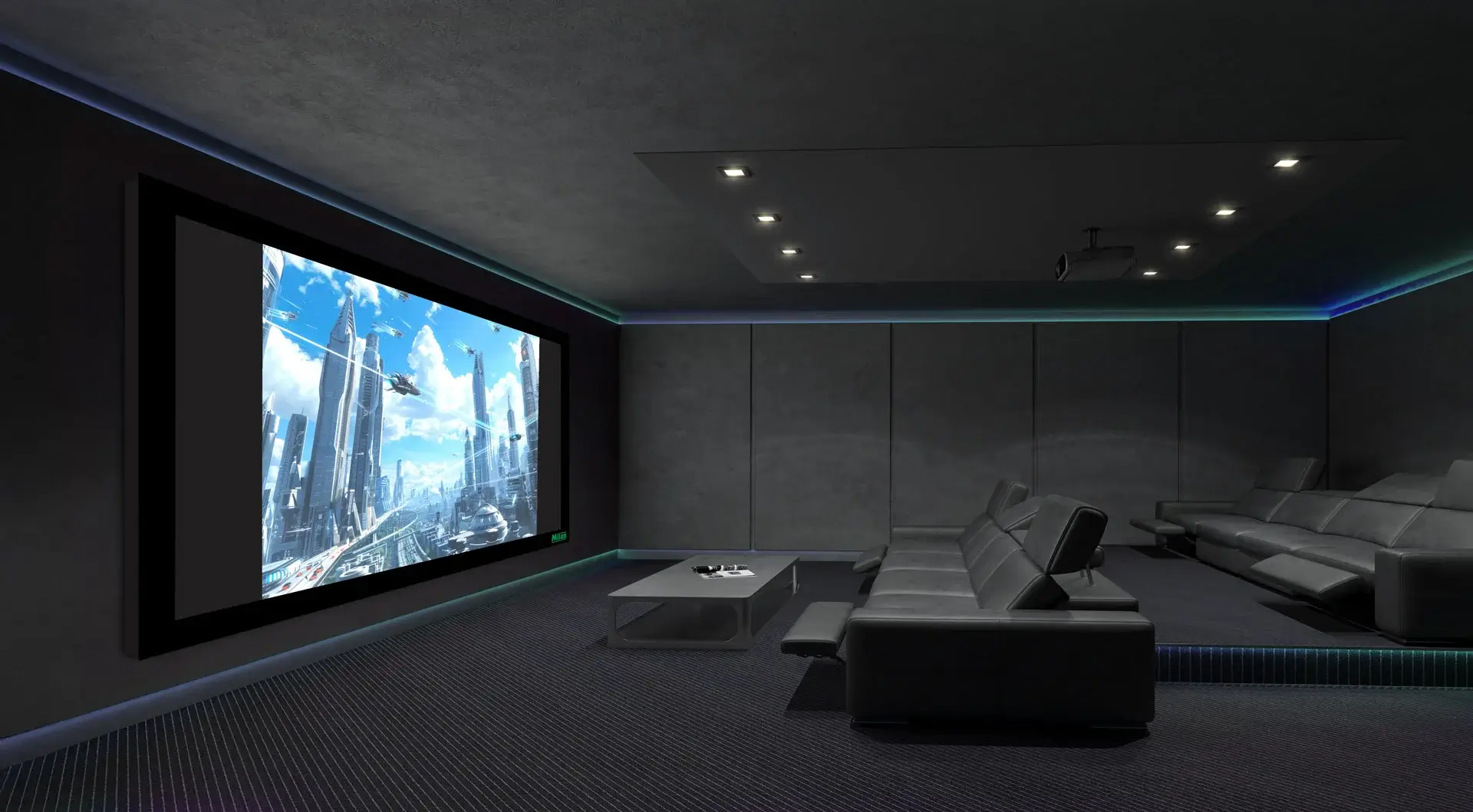
Introduction: It’s Not Just a White Surface
A projector screen is not a one-size-fits-all purchase. People often overlook key details while buying, which can lead to poor image quality, frustration, and even wasted investment.
If you’re setting up a home theatre, classroom, office, or event space, here’s a guide to the top mistakes to avoid and how to make the right choice.
Mistake #1: Choosing the Wrong Size
Why it’s a problem:
Too small? The audience strains to see.
Too big? It overwhelms the space or cuts off content.
What to do:
Measure the throw distance (projector to screen) and audience distance.
A good rule: Screen width should be at least 1/2 the distance between the screen and the farthest viewer.
Mistake #2: Ignoring Screen Gain & Material Quality
Why it’s a problem:
Not all screens reflect light the same way. A low-quality fabric can cause dull colors, poor contrast, and uneven brightness.
What to do:
- For home theatres, go with matte white or grey screens for balanced contrast.
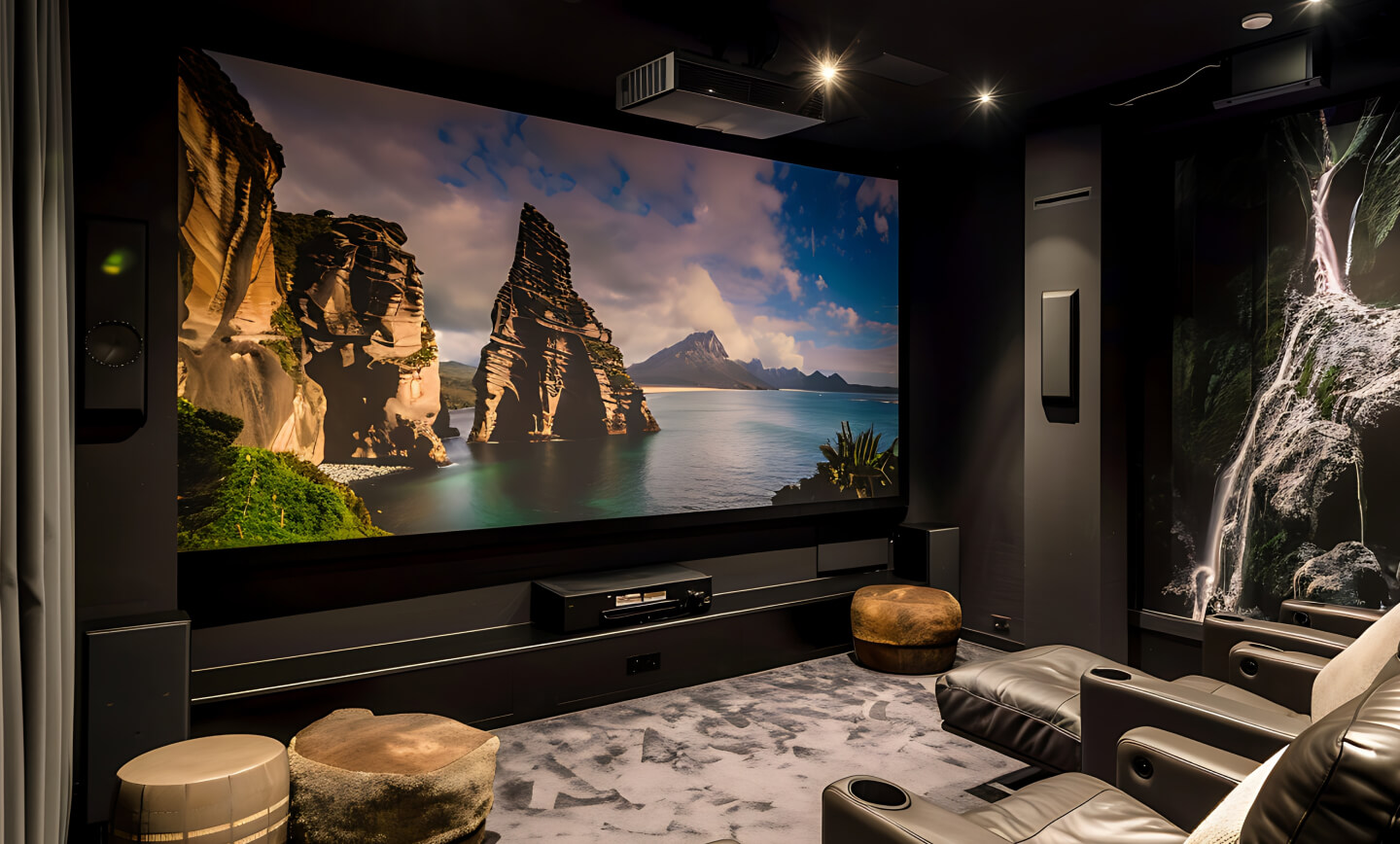
- For bright rooms, choose ALR (Ambient Light Rejecting) screens.
- Always check the gain value (1.0–1.3 is ideal for most setups).
Mistake #3: Ignoring Ambient Light Conditions
Why it’s a problem:
Too much light in the room = washed out visuals.
What to do:
- Use ambient light rejecting (ALR) screens for bright rooms
- Opt for matte white screens in darker rooms
Mistake #4: Overlooking the Screen Mechanism
Why it’s a problem:
Not all setups need a permanent screen. A wall-mounted screen in a portable-use scenario becomes a hassle.
What to do:
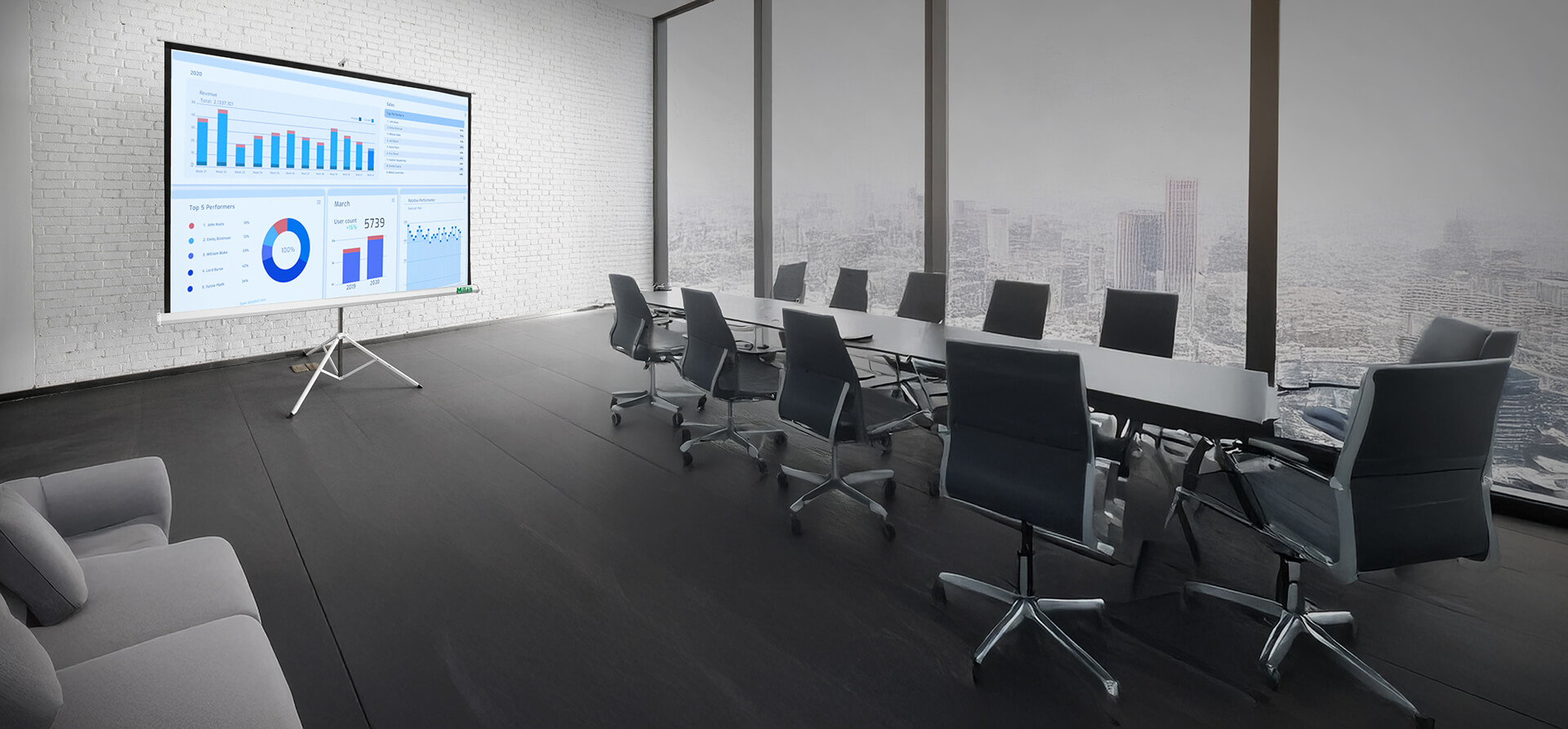
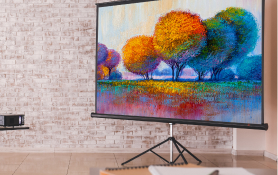
- Tripod screens – best for mobile use
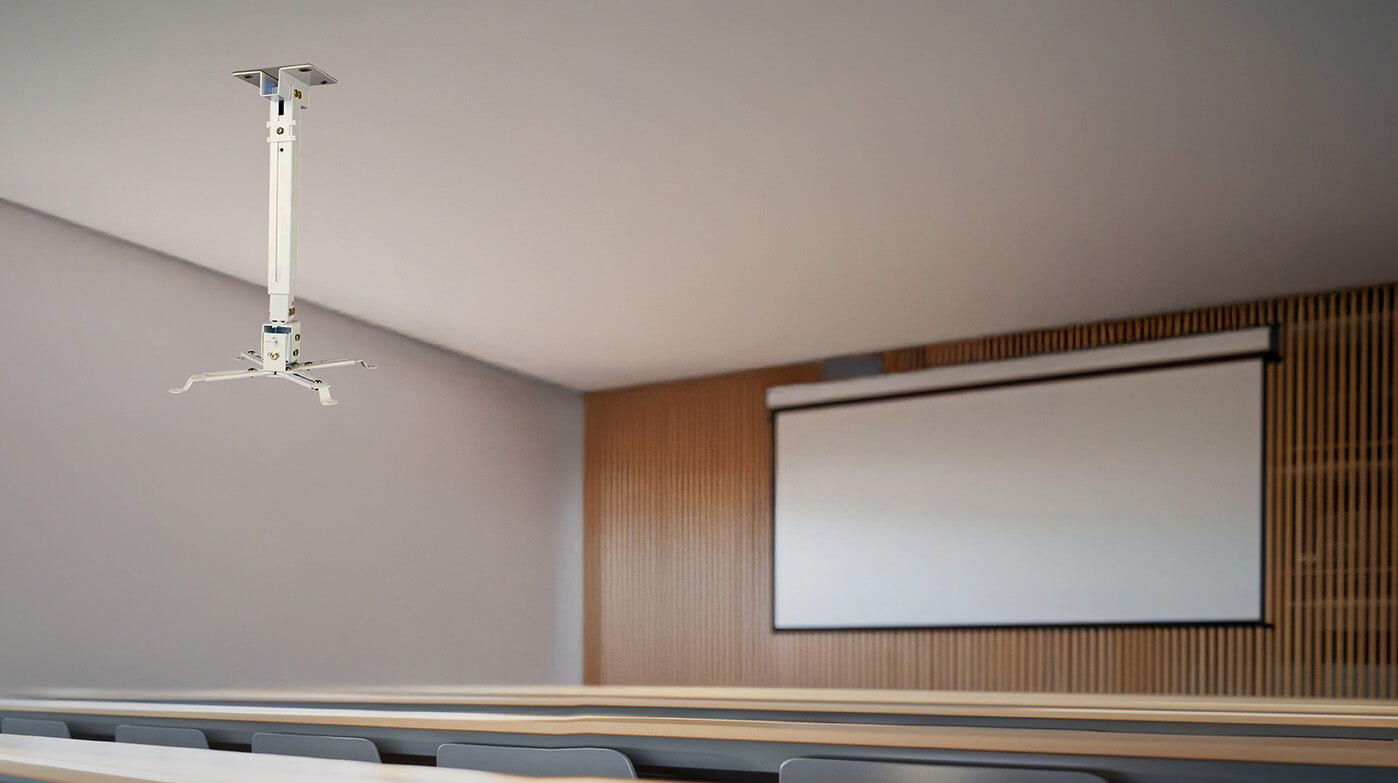
- Manual wall/ceiling screens – budget-friendly fixed solutions
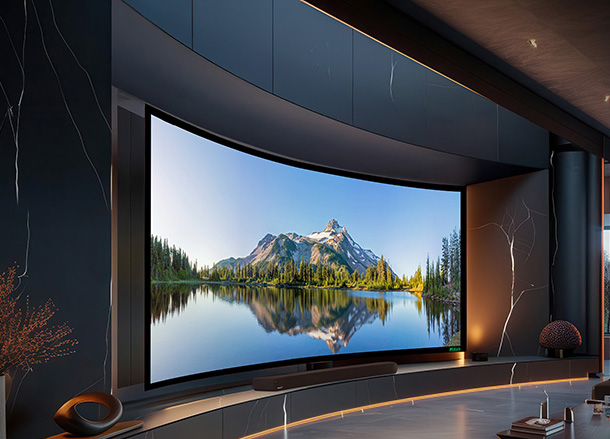
- Motorized screens – ideal for professional, aesthetic installs
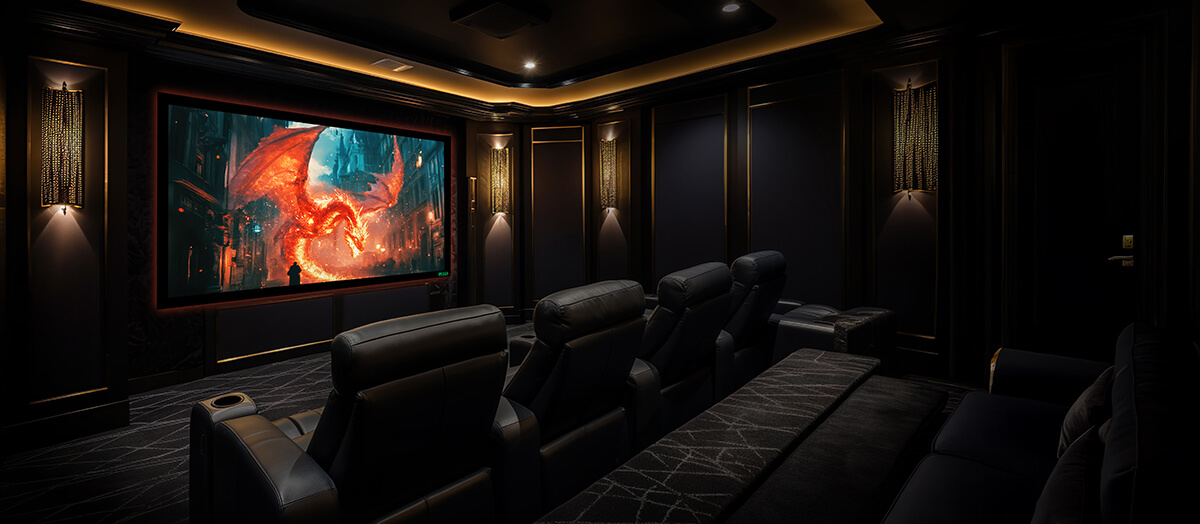
- Fixed frame screens – best for dedicated home theatres
Mistake #5: Not Matching Screen Type with Projector Specs
Why it’s a problem:
Mismatch in aspect ratio or resolution support leads to distorted or cropped visuals.
What to do:
- Use a 16:9 screen for HD, Full HD, and 4K projectors
- Use 4:3 screens for presentations and data visuals
- Match screen gain and resolution support with your projector’s brightness and clarity
How Milan Sales Corporation Helps You Avoid These Pitfalls
- Expert consultation based on your room size, use-case, and projector model
- A wide range of tripod, wall-mounted, motorized, and custom-size screens
- Multiple fabric and ALR screen options
- PAN India delivery, GST billing, and reliable packaging
Final Tip
A good screen enhances your projector’s performance by 40–50%. Don’t treat it as an afterthought. Whether you’re building a dream home theatre or upgrading your conference setup, the right screen transforms the viewing experience.
For guaranteed accuracy and true-to-life visuals, choose Milan’s ISF Certified screens.
Get in touch with the Milan team today to find the perfect match for your projector and setup.